How long does a commercial alarm response take? A question we often get from our clients is: once the alarm goes off, how long does a response take?
The answer, like for so many other things, is: it depends. In this case, however, what it depends on is primarily the client’s own preferences, SOPs, or insurance requirements.
Before we dig into timing, let’s talk about what a “response” process looks like. When clients ask the question about response times, they can be asking about a wide variety of things. In fact, depending on context, I’ve been asked about basically every step of the response process. So, to start with, let’s outline the key steps of an alarm response:
1. Breach Attempt
The clock starts when a bad actor attempts to gain access to the secured premises while the system is armed. For low- to mid-security applications, sensors will likely not be configured to detect activity at this stage. For high-security applications, perimeter sensors, vibration sensors, or other outer-layer systems may be triggered, giving enforcement the longest possible window for response before key facilities are actually breached.
2. Breach
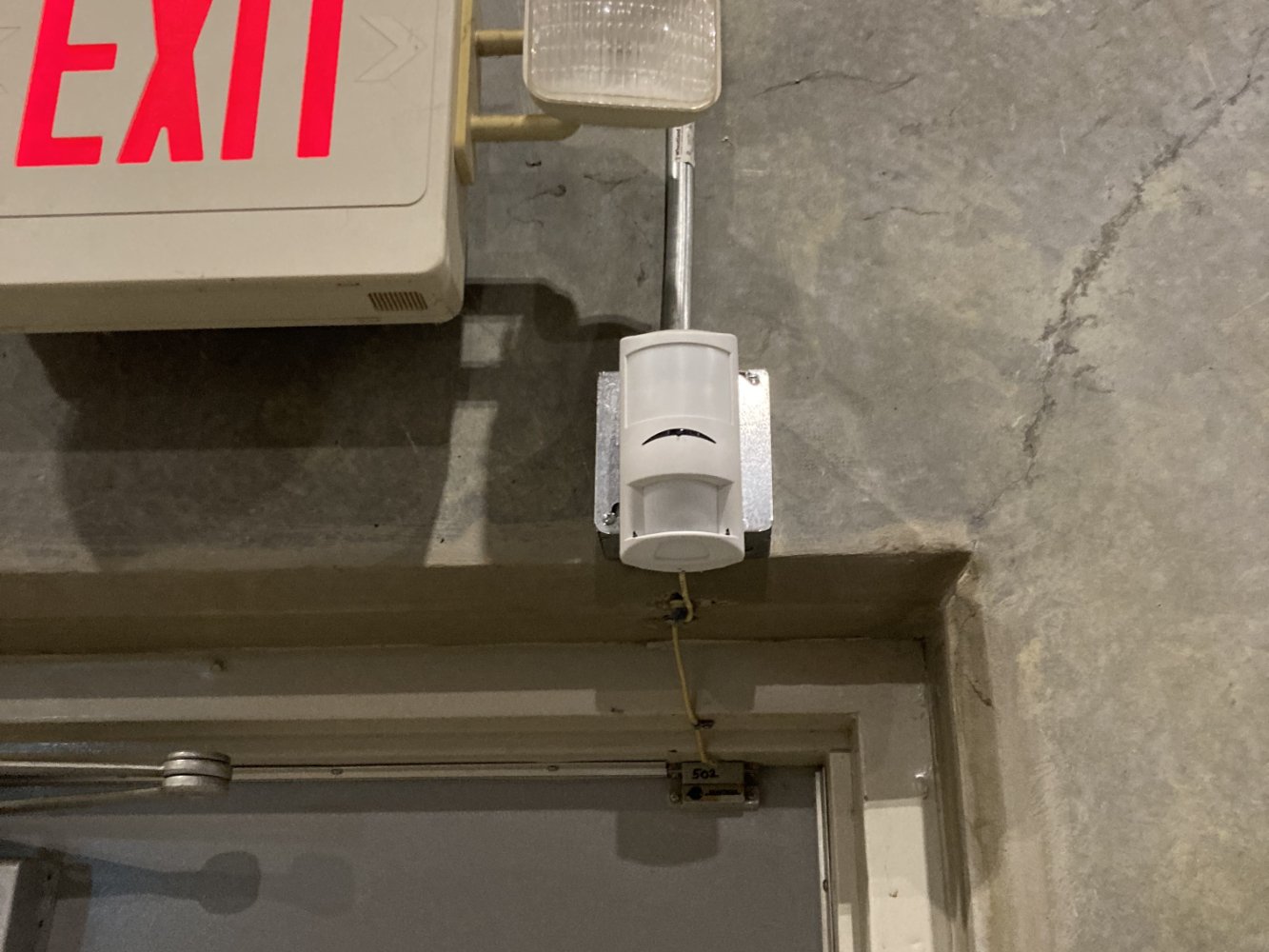
In most cases, low- to mid-security systems will be triggered here. A door sensor, window sensor, motion sensor, or glassbreak sensor will be tripped, detecting someone in the facility when they aren’t supposed to be there. This step may also be triggered by an employee pushing a button for a Panic or Hold Up alarm.
3. Entry Delay
After entry (or an entry attempt) is detected, there is normally an Entry Delay of 30 to 60 seconds to allow authorized staff to disarm the alarm before an alarm condition is triggered. A common example is employees returning to work in the morning and needing time to disarm the alarm after coming in the employee door.
4. Local Response
When an alarm condition is triggered, the first real “response” beyond recognizing the event is local. Onsite sirens and lights go off to let trespassers know their presence has been detected. Lights and sirens outside the building can help notify passing police or security patrols that an alarm condition has been triggered in the building. A patrol response to this type of signal can be much faster than waiting for the central station to call enforcement directly. It does, however, depending the chance that a patrol is passing by. How large that chance is will depend heavily on municipality, security services, and location.
This step is often configured to be skipped for Panic and Hold Up triggered alarms, so that criminals are not prompted to take desperate or violent actions against staff while waiting for an enforcement response.
5. Signal to Station
In addition to local sirens and lights, the alarm condition causes a signal to be sent to the central monitoring station. Settler Security contracts with industry-leading, 24/7 central station operators with redundant power, communications, and even locations so that a signal is never missed.
This step is normally configured to occur in parallel with Step 4.
6. Station Response
When the central station receives an alarm signal, they will begin to perform a set of pre-arranged actions to address the alarm. They may wait for a pre-defined period to see if the alarm is cleared. This helps prevent false alarms and their associated disruptions and fees, but may not be a fit for medium- or high-security locations.
Clients with cameras can configure camera feeds to be shared with central station in case of an alarm. These help central station staff to quickly verify whether a security incident is actually occurring or if there is a false alarm (e.g. if a balloon blows in front of a motion sensor). In many jurisdictions, an alarm condition that has been video-verified will receive much higher priority and faster response from local law enforcement.
Live talk-downs from speaker-enabled hardware may also be triggered at this step.
7. Client Call Tree
A core component of the Station Response is to begin calling client contacts. These contacts are normally facility ownership, site managers, warehouse managers, keyholders, or other employees of the company with responsibility for the facility as a whole. Client contacts are called at specified numbers and in a specified order. When they reach a contact, that contact can cancel the alarm and stop the call tree by speaking a specified verbal passcode over the phone.
For high-risk locations, a panic password can also be pre-configured. If the staffer shares the panic password, the central station will act as though the alarm has been cleared, but will escalate calls to enforcement in channels that are not visible to on-site actors or attackers.
8. Call to Enforcement
Depending on the risk level of the site and tolerance for false alarm fees, this step may be configured to happen in parallel to Step 7 or after that step has been completed.
Once initiated, the station will then call for onsite enforcement. In most cases, this means local police departments, but in some cases, this may also include a call to quick-response private security contractors.
9. Enforcement Onsite
Whether law enforcement or private security contractors, the alarm response sequence generally ends when enforcement personnel arrive onsite. How long they take to arrive on-site can vary. In the wake of the riots of 2020 and their successive staffing challenges, police response times rose in many metro areas in the early 2020s. While times have improved, some jurisdictions should still plan for long response times. High-security facilities should consider onsite security staff and/or contracts with quick-response patrol units.
In either case, enforcement personnel will search and clear the building and either apprehend/chase off intruders or declare the building clear. Depending on jurisdiction and system configuration, enforcement may report status back to the station and the clients. Citations and tickets may be issued if the alarm was found to be false.
This is because false alarms have been a serious drain on police resources since electronic intrusion alarms became widespread. The alarm industry and clients all have roles to play in installing and using systems carefully to prevent unnecessary strains on local law enforcement and boy-who-cried-wolf perceptions of specific client facilities.
10. Recovery
While not formally part of the alarm response sequence, the Settler Security 4 Rs model of security includes considerations for recovery from any security incident. If the alarm was NOT false, but was triggered by intrusion, hold up, or other adverse conditions, security systems can play a role in bringing the incident to a close, minimizing financial damage, reassuring shaken staff, and bringing perpetrators to justice.
Security cameras are key tools at this stage. Police departments will frequently seek footage to help identify criminal actors. Having systems in place that you can quickly access and navigate are key. Support from trained staff (e.g. through Settler’s Stockade video search services) can cut down on video-sourcing delays and help maximize chances criminals are caught.
Post-incident legal actions include not only prosecution of perpetrators, but may include lawsuits against clients from people such as staff or customers, who were frightened and/or expected higher levels of security. Having security assessments on file demonstrating the system matched the risk level and was configured according to industry standards can help reduce risk. Settler Security can help with assessments to match systems to risks. This is not legal advice, however. You should talk to your attorney to find out what legal requirements are like for your industry and geography.
--
All-in-all, the electronic components of a response can be almost immediate, although they are normally configured to take 30-90 seconds to allow for regular operations and to reduce false alarms and their associated fees. Time from an alarm to having enforcement onsite will generally range from 5 to 10 minutes (although that is heavily dependent on timing for Step 9). Other components, such as call trees, video verification, private security responses can add or reduce time.
Nearly all of these variables can be configured according to client needs. If you have an operation that requires special consideration for alarm response, make sure you talk to professional installers like Settler Security as early in your planning cycle as possible. Locations for key equipment like safes and sensors can impact cost. Construction sequence matters too - especially for new build-outs. Wiring and cabling can be much more expensive once walls and ceilings are closed. Retrofitting a system that doesn’t meet operational needs can range from a few hundred extra dollars to requiring a full rip-and-replace, depending on what is installed and how far away it is from meeting requirements. Introductions to your commercial insurance broker are helpful as well - if we don’t know what your insurer will require, we can’t design a system to meet it.
Of course, it is also worth noting that these sequences and times are general benchmarks for clients without onsite security teams or SOCs (security operations centers). Outfits with those types of programs have even more flexibility in configuration and require extra engineering to make sure that any system installed is compatible with other equipment and works according to SOPs already in place.
If you are planning a commercial alarm installation with sensitive response needs, let’s talk. Contact Us at the button below and we will respond within 1 business day for a Free Needs Assessment consultation.